After having the opportunity to try stop motion animation last week, this week we were able to take it into a Grade 5 classroom and help these students to create their own. I thought this was a fantastic opportunity for these students and one I wish I had access to at their age. I believe Grade 5 was the perfect age to teach this to as they are just getting to be more tech-savvy. This allowed students to learn a new way of expression in art and entertainment and I thought it was a lot of fun.
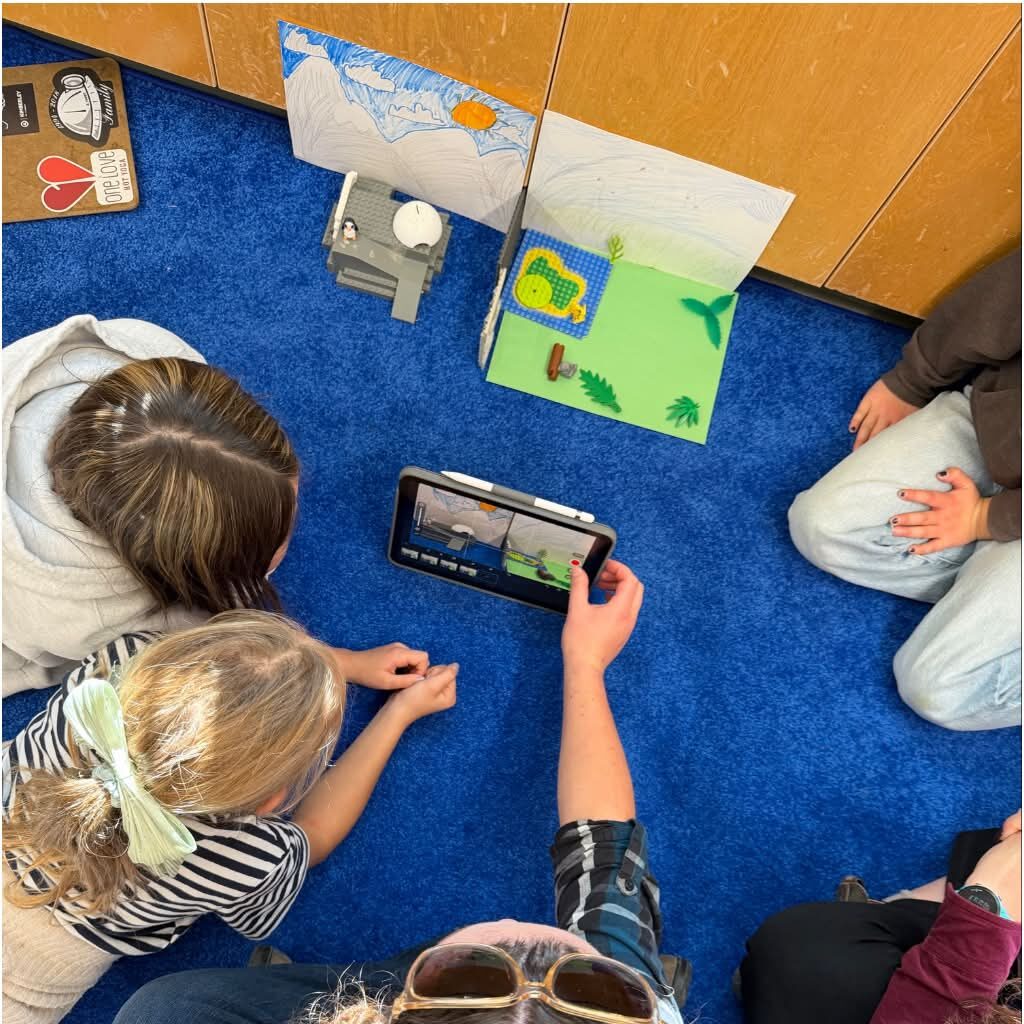
Us teacher candidates were paired up and worked with groups of 3 or 4 students to create brand new stop motion animations. My partner and I were able to work with 3 awesome girls who had a blast working on this project. To start, we explained what stop motion animation is and we shared our creation from the week prior. We explained the many ways stop motion can be done and how we would go about doing this with the app Stop Motion Studio, which we previously used last week. I brought my personal iPad or us to work with as the school iPads weren’t able to support the app.
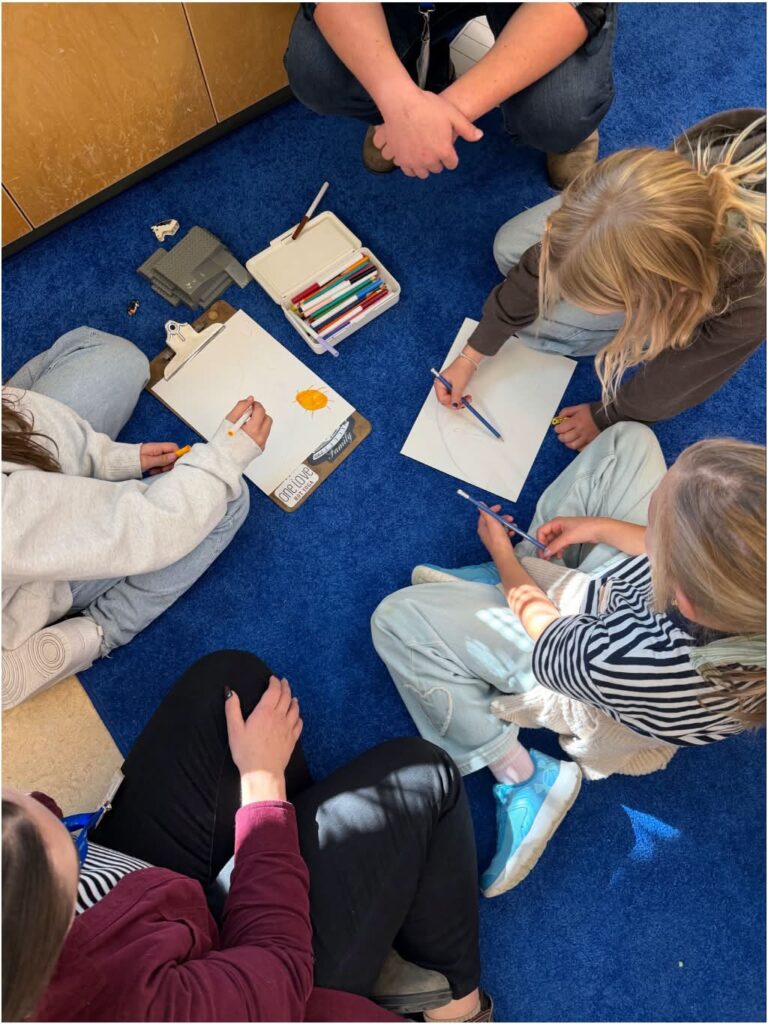
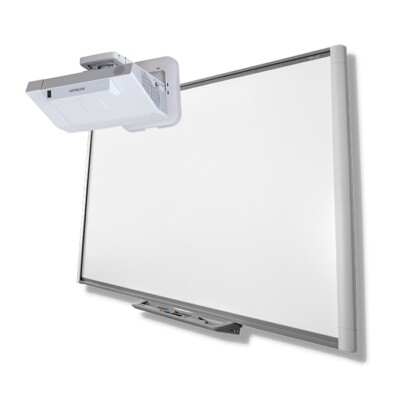
As we used this app in the week prior on my iPad, I was quite comfortable using it for this experience, which is why I chose to do this rather than using the school iPads and a different app. Unfortunately, there are limitations (though they are important) to what technology we can utilize and access in the classroom which made it tricky for this activity in the class. The teacher had planned on using the school iPads which were connected to the Smartboard in her class, however these weren’t options for us to use, so we instead sent our videos to her personal phone and laptop in order to display it using her projector.
While technology can be a fantastic tool for a lot of different activities, it also comes with these types of challenges. When different tools don’t connect or maybe the Wi-Fi is too slow or the technology can’t support what we had planned, it can cause disruptions in the class. I noticed when we were having tech troubles in this Grade 5 class, the teacher was forward with the students about technology having issues and they understood to be patient.
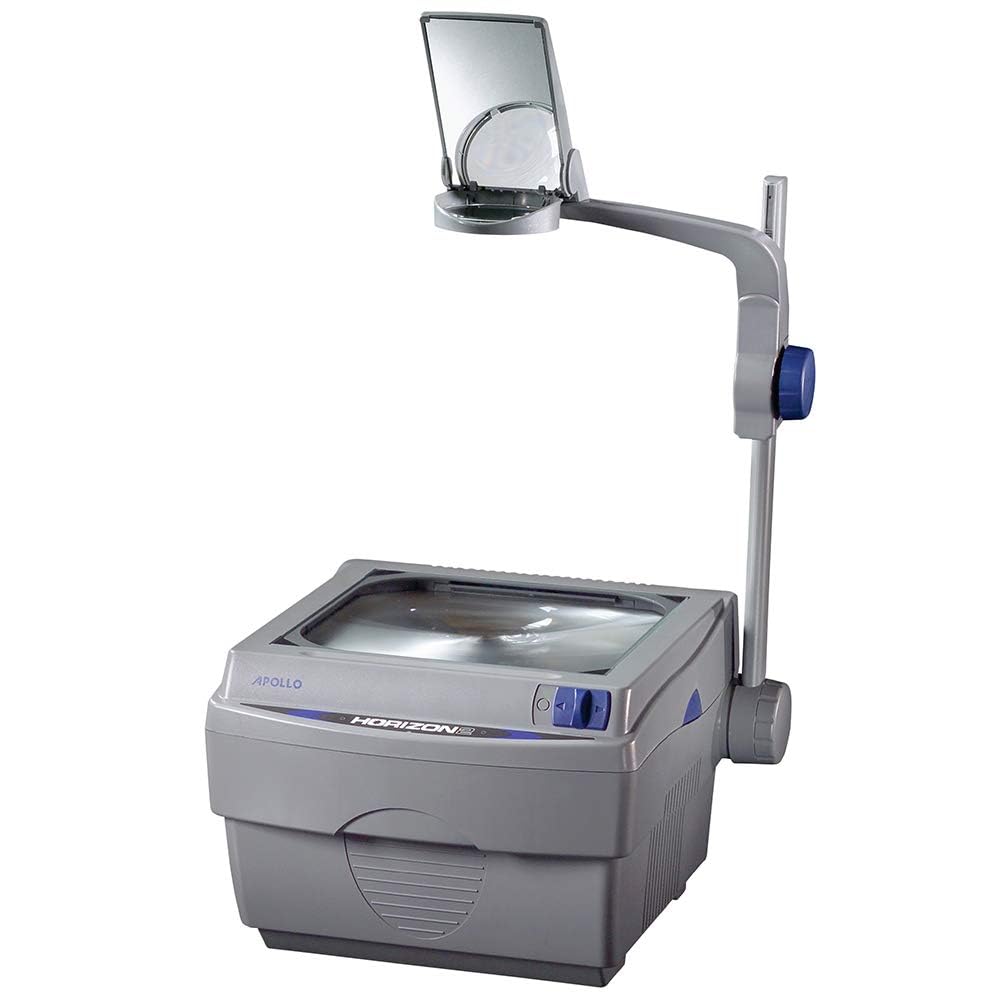
This technology is much different from what I had through my Elementary years. The most technology I experienced was over-head projectors, TVs on carts, and computer labs. It wasn’t until Grades 10-12 (2014-2017) that there was more incorporation of Smart Boards, iPads, or laptops. I remember when Smart Boards were still a new form of technology and our teachers had a hard time learning how to use them. There was a time or two where whiteboard or permanent markers were accidentally used… I hate to say it, but back in my day, technology was only starting to reach the levels we have in schools now. I know it was even a big difference between my sister and I’s school experiences as she is 5 years younger than me. She had technology incorporated far more than I had through iPads and these different apps.
While I’m excited about the new opportunities technology can continue to bring us in school, I am also very worried to see the impact of AI and programs which may make it harder for students to learn and instead offer new ways of cheating, getting distracted, or loss of imagination. I hope to be able to bring in technology as an equitable tool in my future classroom to support learning, fun, and imaginations while teaching students how to avoid the negatives it may also offer. Through EDCI 336, I hope to learn more about the use of technology in the classroom to better prepare myself for what’s in store and the paths I can take.