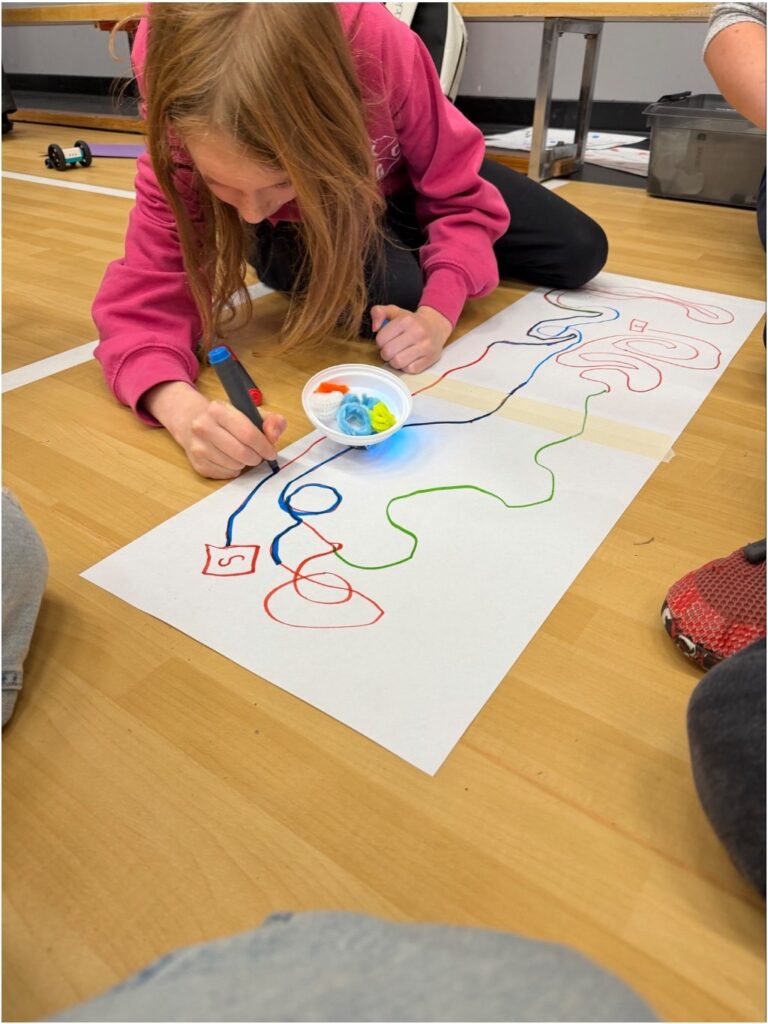
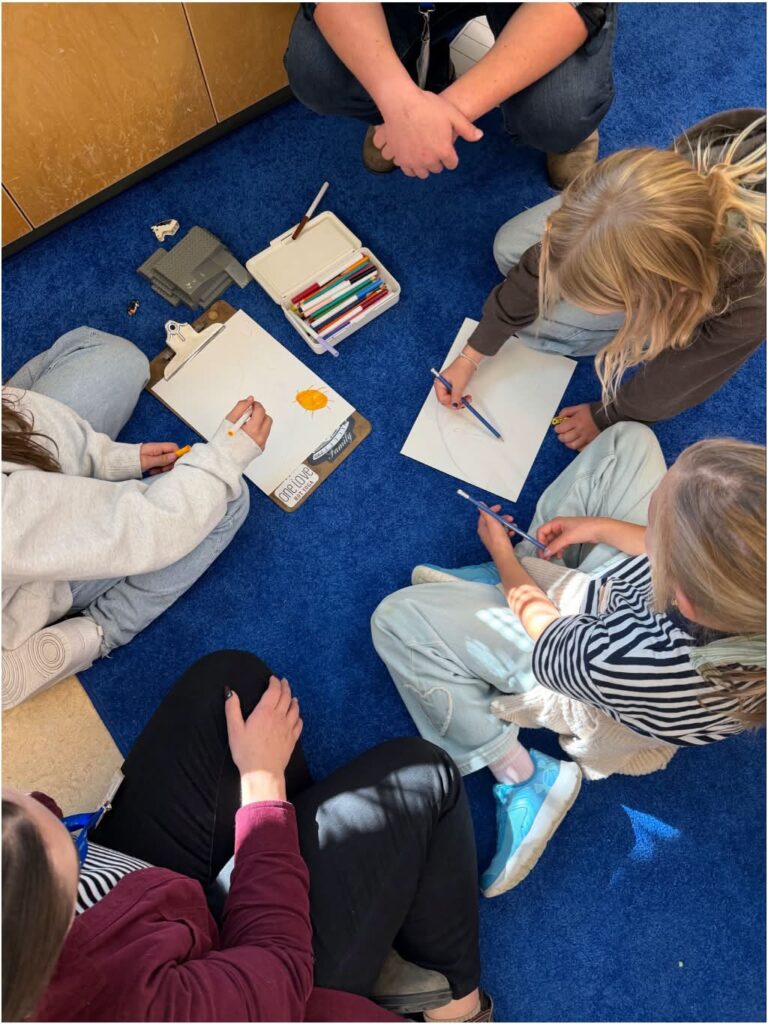
Picture of student fixing a line for the Ozobot to follow
Arriving to Innovation Hour I wasn’t sure what to expect. Walking into the gymnasium I was a bit overwhelmed at first until the stations and activities were explained more. No doubt, I was still learning as I lead my first group of 5 third graders through our activities. I was excited about my second group of 5 grade six students as they are part of my practicum class I will be working with in a couple months for 10 weeks. They were a good group, however took some more motivation to engage with the activities. The first activity to complete was creating a team and a flag, we ended up deciding on Team Grizzlies for the third graders and my grade sixes decided on The Hitchhikers. After setting up our flag on the stick, we were set to make our first 5 paces toward “home”.
From here, we moved to building a shelter for a stuffed animal. I helped with the initial design but the group was pretty capable of doing most of the building on their own from there. One of the students, who I know outside of school, was a happy surprise to work with, though she had a hard time getting involved at the start. After we got going with a couple activities, she definitely become more eager to step in and explore and work.
Our second station was building a shelter with cardboard for a stuffed animal and make sure it was strong enough to hold books on top. Both groups were successful, though chose different building methods. The first group seemed to work quite well in delegating tasks to work as a team, the second group took some more management as two students took more of a lead while the others sat around. I encouraged them to take turns making the holes in the cardboard and screwing them together.
Our third station was fire building which I found very surprising we would be able to do at school with the students. Obviously, all precautions and safety measures were taken. I took the lead the most in these stations for each of my groups in order to set up and stay safe when the match was lit. My first group’s fire was a success, however the second group had a harder time as a lot of our material was wet from previously putting out other group’s fires. We managed to get a small flame for 10 seconds but it was quite weak and fizzed out.
The next activity we tried was “BC or AI?” For this activity we used an app on iPads which took us through a quiz to figure out which animal was fictional and made by AI or real. The kiddos had a fun time with this one, the silliest being the “Northern Weiner Wolf”. Most of us got 8-10/12 correct. There were a couple tricky ones!
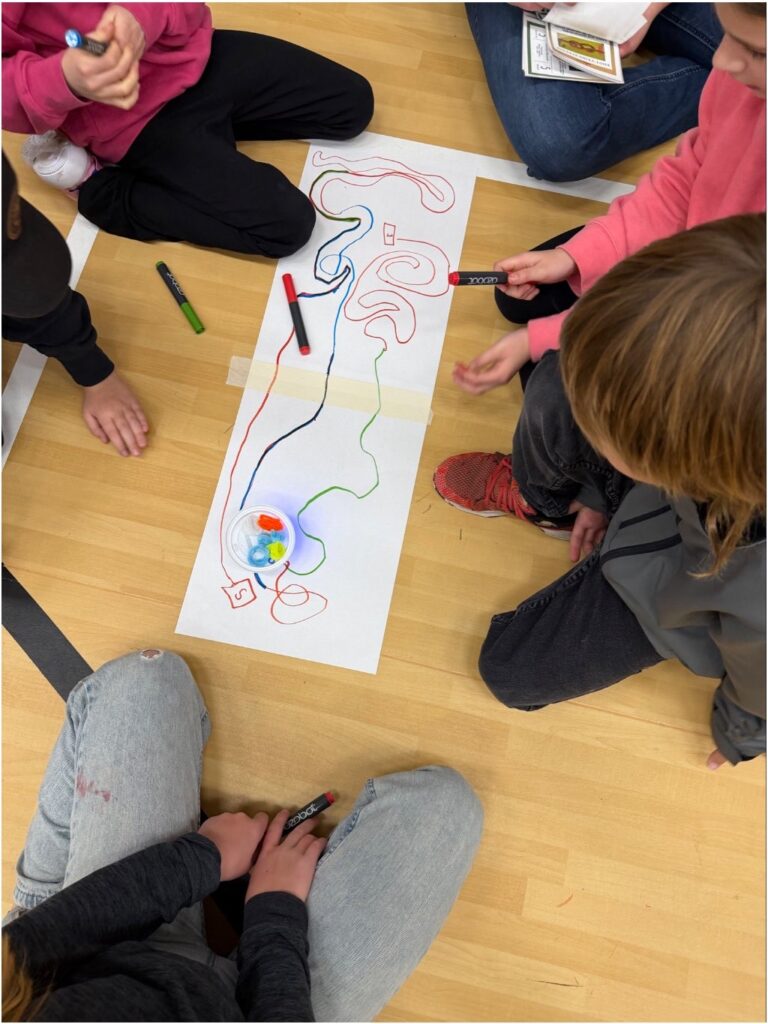
The final activity my students worked on was making trails with Ozobots, which are little robots that follow lines you draw. In this activity, the idea was the robot was sent to help carry supplies, which we ended up making a pack for the Ozobot to carry with “supplies” inside. The pack was made of coffee cup lids and the supplies were made of pipe cleaners. All students were very engaged with this activity and had a great time creating winding, twisting paths for the bot to follow.
Watching our Ozobot move along the trail with “supplies” on top
Overall, I thought this was an extremely fun experience for ourselves as teacher candidates but especially for the students. This would have been the best day ever for me as a kid. I think it’s also a theme that not all students are familiar or comfortable with so it provided them with a way to learn more about outdoors and survival in safe, unique, and fun ways. The only thing I wish was if we had more of a plan ahead of time to prepare ourselves for the day. But in general, it was very fun and I am grateful to be able to experience this with the students!
The school district Design Lab is a really cool space with so much amazing technology that I feel it would take many days to fully explore everything it has to offer. Last term in the spring, I had the opportunity to try out virtual reality (VR), so I decided not to revisit it this time as I wanted the Year 2 teacher candidates to have the opportunity to try it out. Instead, I spent my time exploring some of the other tools and technologies available.
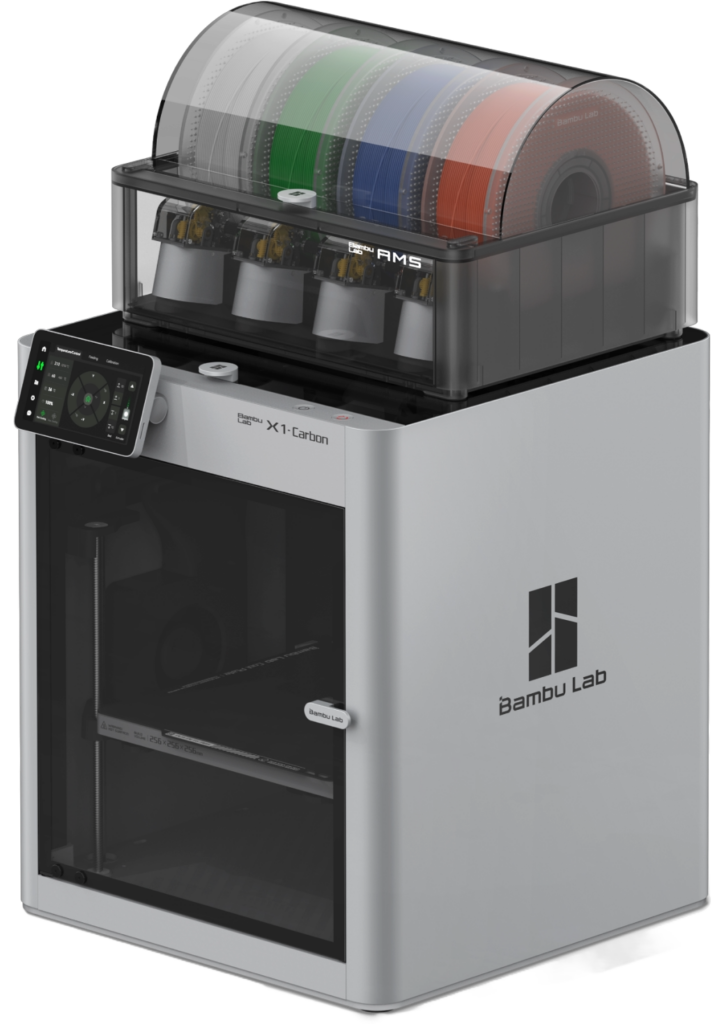
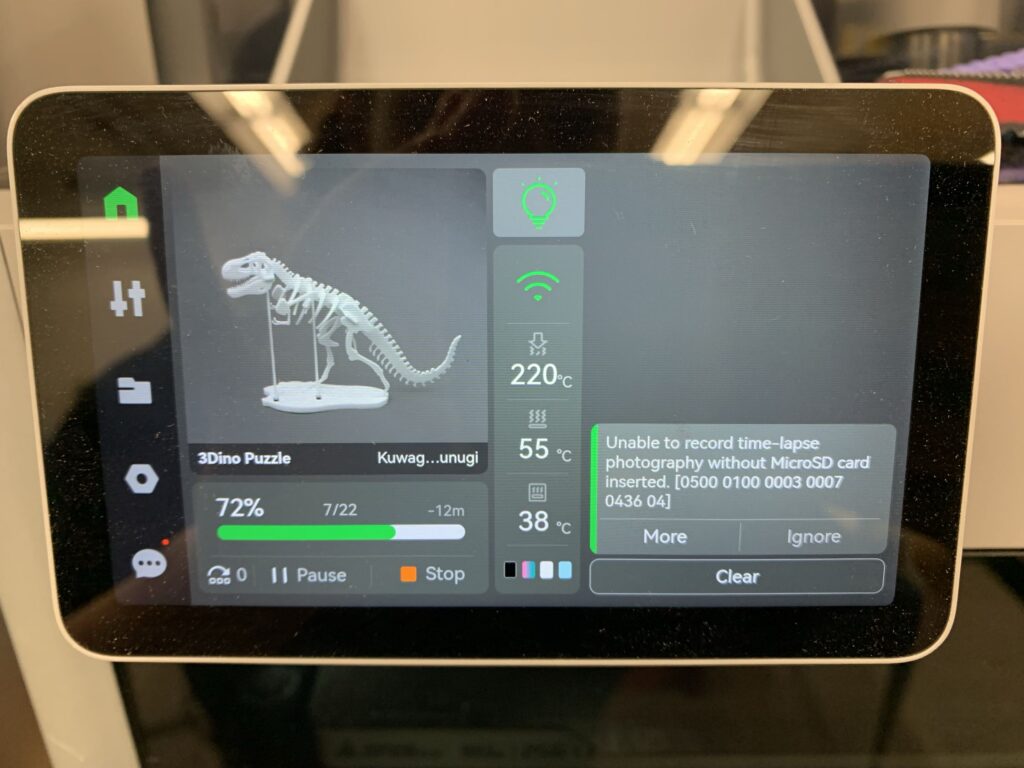
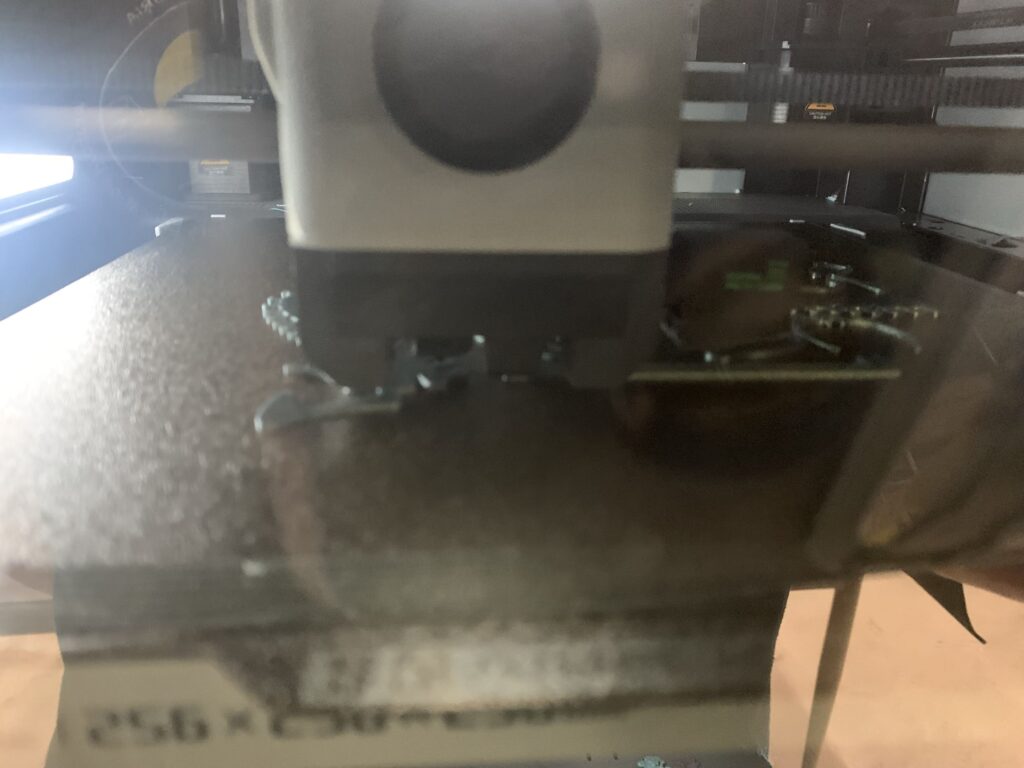
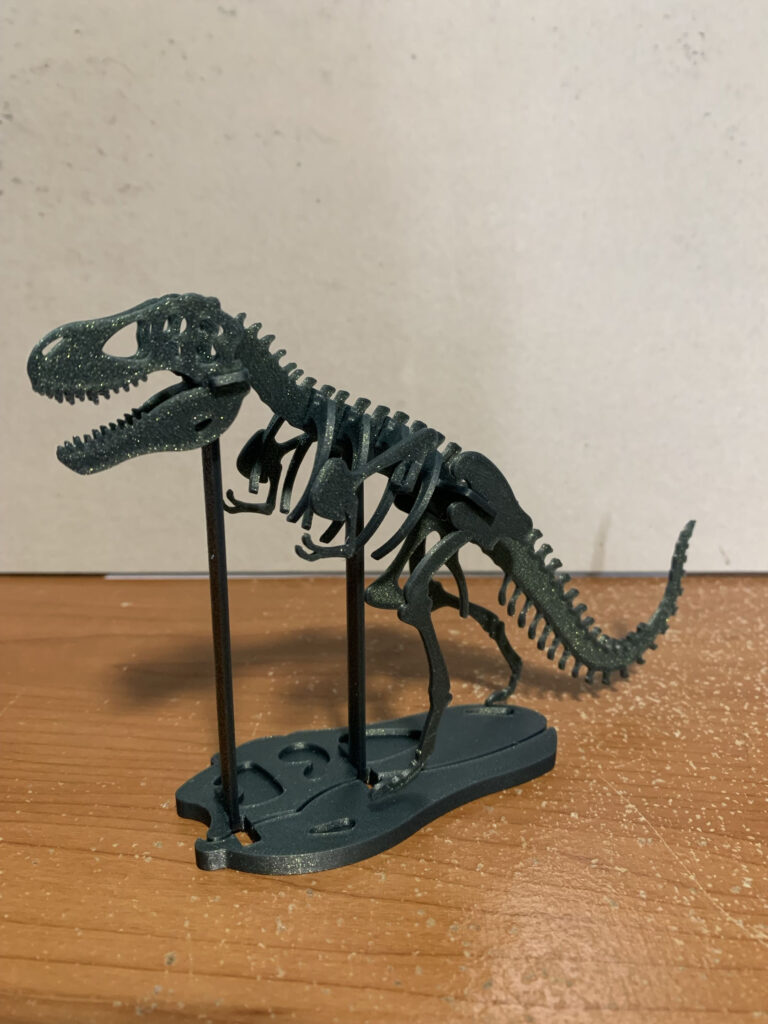
I first made my way over to the 3D printer. I have always wanted to give 3D printing a try, and someday I would love to have one of my own. I selected a pre-loaded design of a T-Rex skeleton (because obviously, it’s me and I love dinosaurs!). Unfortunately, the print would take the entire class period, so I moved on to some of the other activities while it printed.
Pictures by me of the print in progress as well as the result (which now sits at my computer desk)
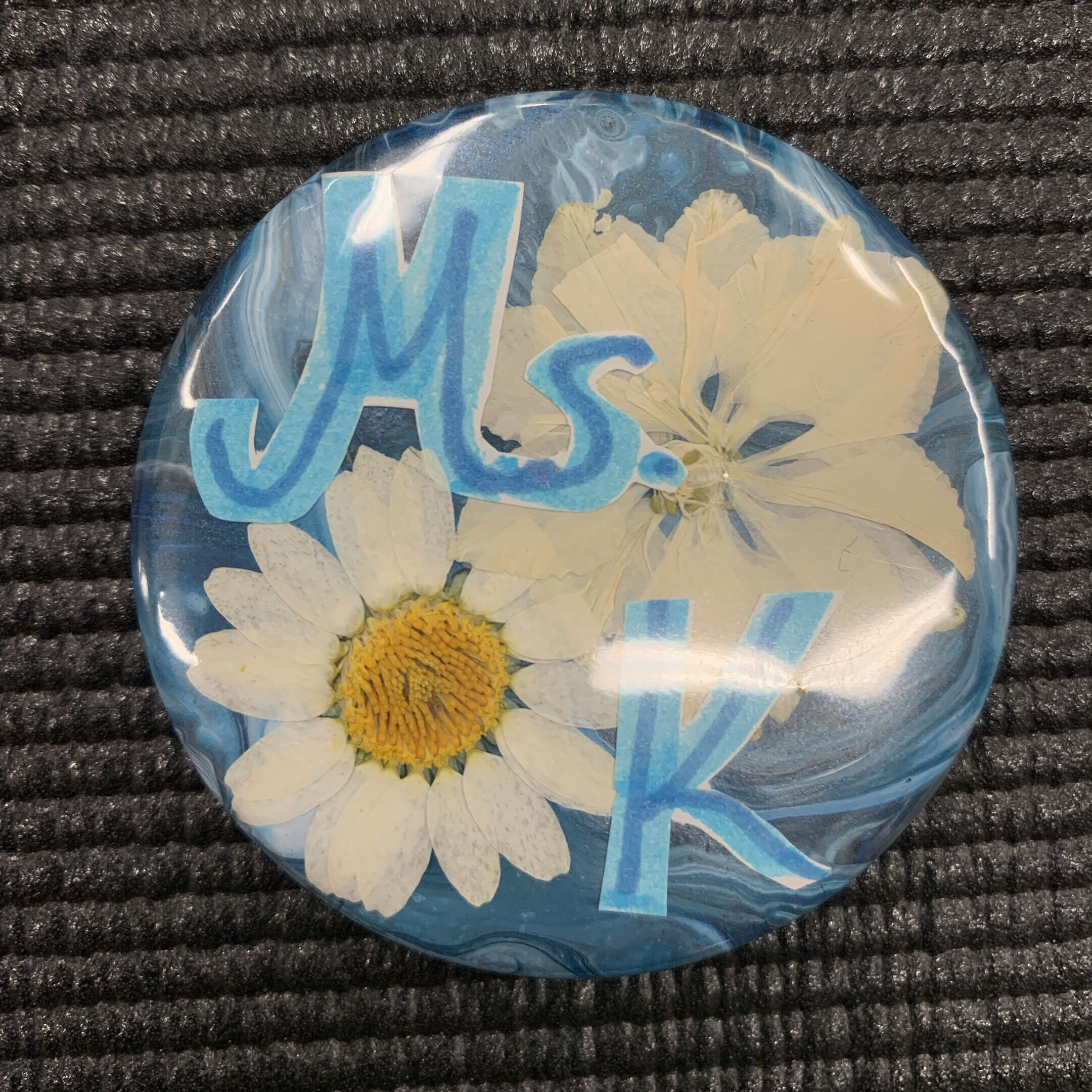
Next, I decided to try making a button. I had some materials left over from a previous attempt with another classmate’s button maker that hadn’t worked out, so I thought I would give them another try. After some trial and error, I was able to make a beautiful personalized button using a dried paint “skin” from a pour painting, some dried flowers, and cut-out letters to create my teacher name.
Picture by me of my button
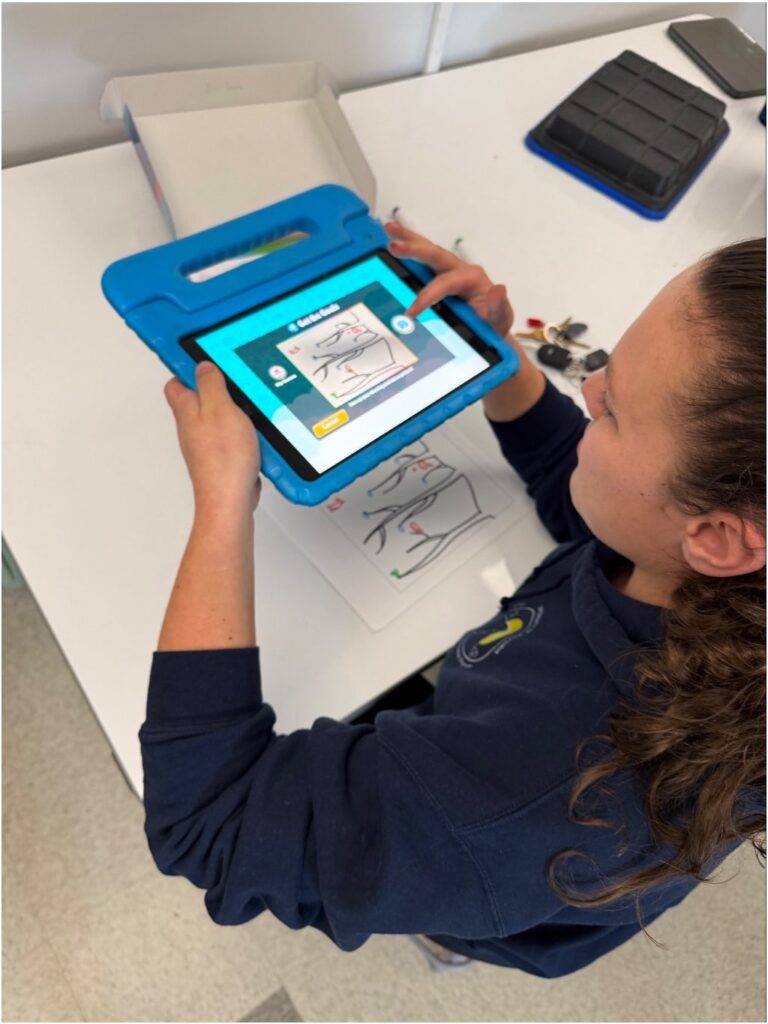
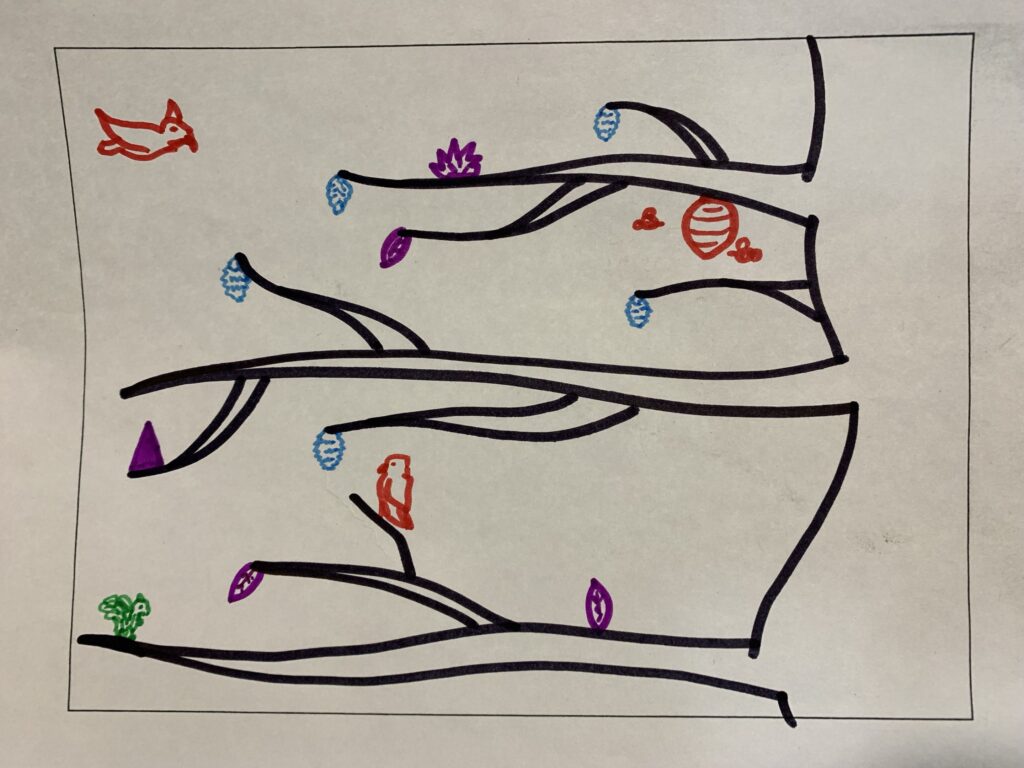
After successfully making my button, I moved on to Pixicade. My instructor specifically pointed this one out to me because she knows I enjoy being creative through drawing as well as playing video games. It was quite fun! I drew tree branches with pinecones to collect, along with a few hazards to avoid, including a couple of hawks and a wasp nest. After some tinkering, I was able to turn my drawing into a simple, playable video game using the app on the iPad!
Picture of me uploading drawing to Pixicade by my instructor (left) and my drawing (right)
Next, I had the opportunity to try the 3D pen, something I had heard about a couple of years ago but had never actually used. It was very cool to have a tangible way of drawing and creating 3D objects! I used an available silicone mat to trace the outline of a penguin, thinking of my best friend who loves them. It turned out pretty cute, and I plan on giving it to her sometime.
The final tools I had a chance to play around with were the ChompSaw, which is used to cut cardboard, and the MakeDo tools, which allow you to poke holes and screw pieces of cardboard together. These are really neat tools that make building and creating with cardboard accessible and safe for children (and really any age!). At this point, our time for exploring was coming to a close, so I went back to retrieve my 3D-printed dinosaur skeleton. Overall, I could have easily spent the entire day in the Design Lab!
I believe the Design Lab provides so many opportunities for innovation in education. Having access to these tools allows students to explore ideas and bring their creativity to life in ways that might not otherwise be possible in a traditional classroom. Rather than simply learning about a concept through a textbook or worksheet, students can design, build, experiment, and create something tangible. Whether it is building dioramas, designing figures, creating models, or even developing their own simple video games, there are so many possibilities. I also think these tools provide opportunities for different types of learners to engage with content in ways that suit their interests and strengths. The Design Lab encourages students to experiment, problem-solve, and learn through hands-on experiences, which makes it a really valuable educational resource.
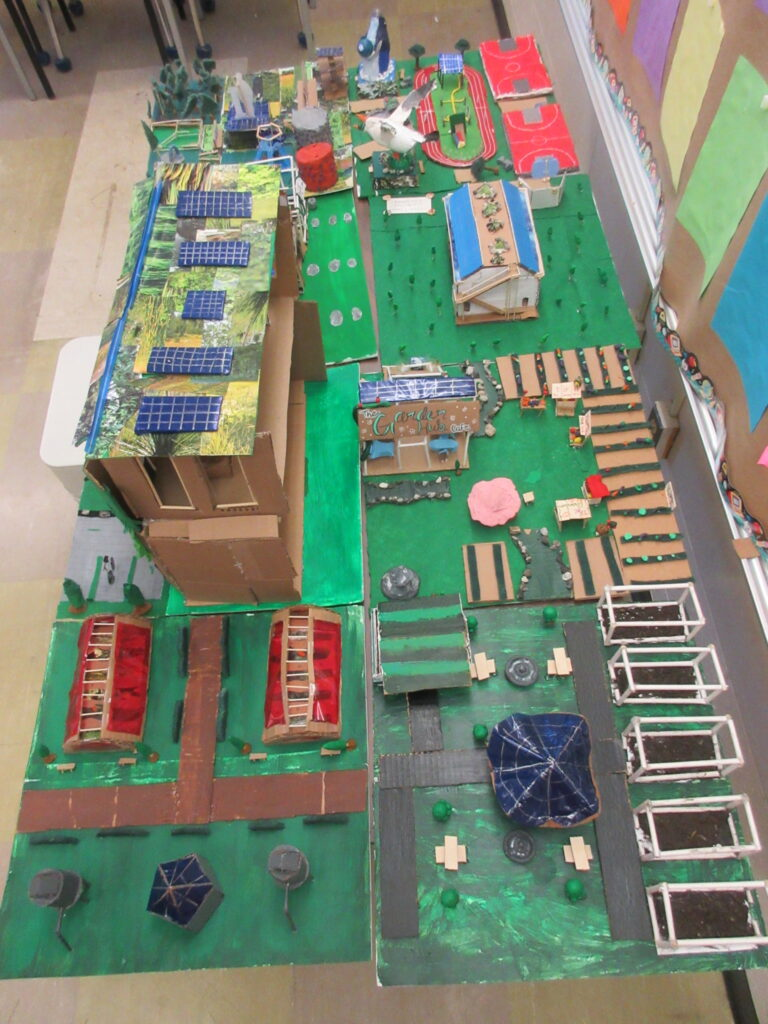
One project that immediately comes to mind is an idea I have been considering for my upcoming Grade 6 practicum class. One part of the Social Studies curriculum focuses on sustainable communities, so I thought, what better way to explore this topic than to have students create their own! Using the 3D printers and 3D pens, along with cardboard cutouts made using the ChompSaw and MakeDo tools, I can envision the class working together to design and build a model of a sustainable, high-functioning community. Students could take responsibility for different components, such as housing, transportation, green spaces, schools, community services, and renewable energy. They would need to consider how each component contributes to the overall functioning and sustainability of their community and how everything connects. This would provide an opportunity to combine Social Studies learning with creativity, collaboration, problem-solving, and technology. It would also give students something physical to showcase at the end of the project that they had worked together to design and build.
Overall, my experience at the Design Lab showed me just how much potential there is for innovation in education when students are given access to the right tools and opportunities. There is so much more I would love to explore, and I can already see ways I could incorporate many of these technologies into future classroom projects. I think the biggest takeaway for me is that these tools can turn learning into something students get to actively create and experience for themselves.
Take Me Outside Day is a Canadian initiative that encourages educators to get students outside and incorporate outdoor learning into their regular classroom experiences. Rather than viewing outdoor learning as something that only happens during special field trips or occasional activities, the initiative encourages teachers to make getting outside a more regular part of education. I have experienced Take Me Outside Day before (last year) and actually had the opportunity to participate in an event at another school with a class helping students get outside. It is a great initiative with endless possibilities, and from my experiences, I have only ever seen students enjoy these opportunities. I think there is so much value in getting students outside, allowing them to explore their surroundings, and connecting their learning to the world around them.
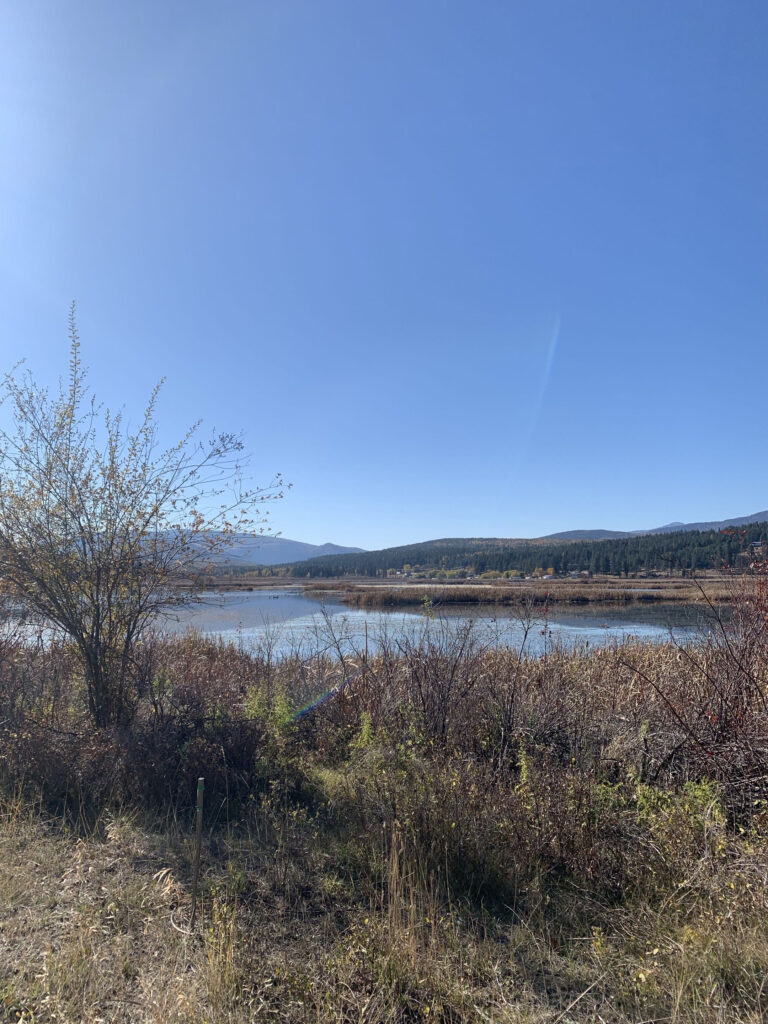
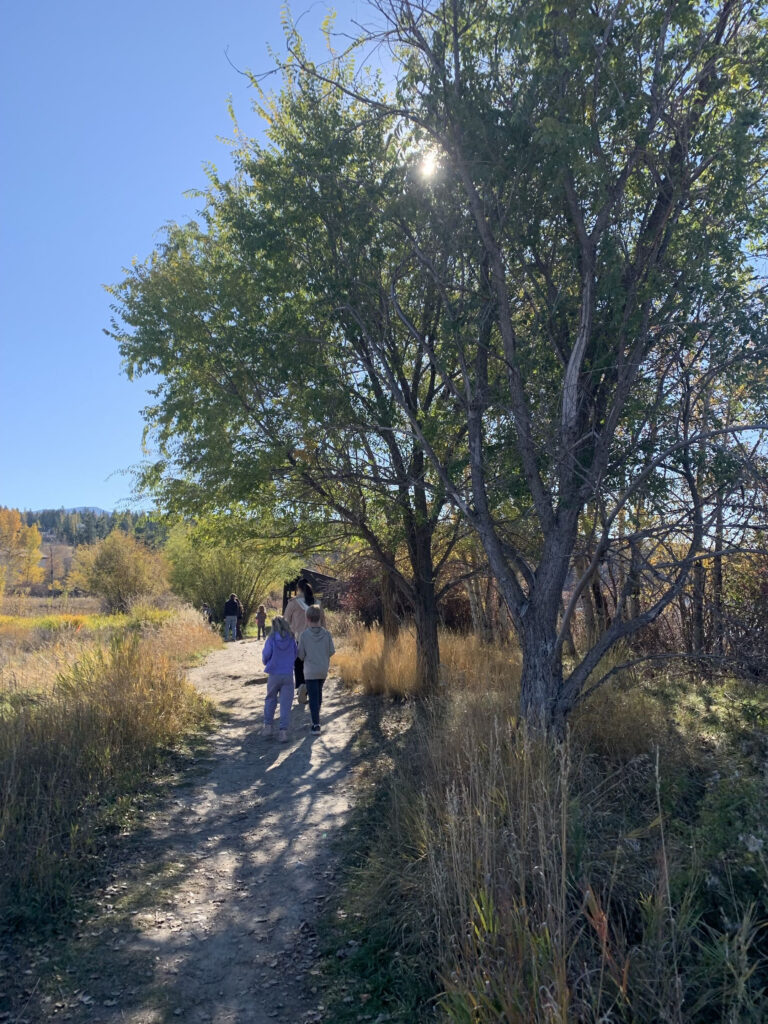
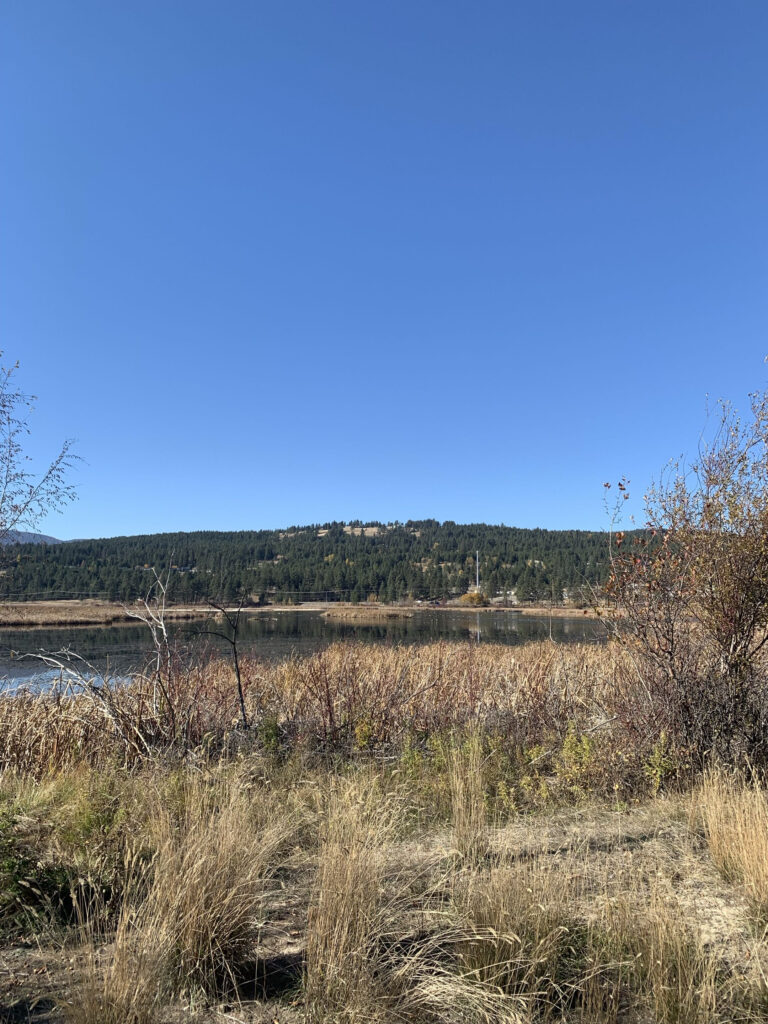
Picture by me at Elizabeth Lake
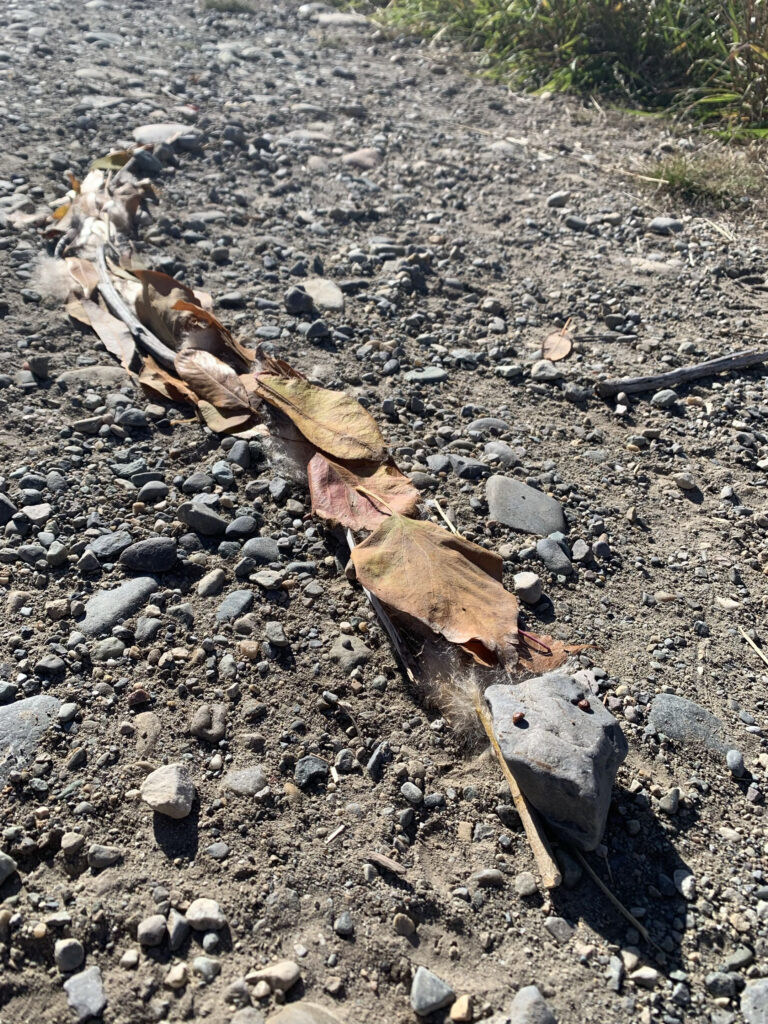
Over the past two weeks, I had the opportunity to participate in two in-situ visits with a Grade 2 class at a local elementary school. During our first visit, we were each paired alongside two students and began by sharing a short slideshow about an animal they might encounter in the surrounding environment. My partner and I chose garter snakes. After our presentations, we walked as a large group down to Elizabeth Lake, where students completed an outdoor scavenger hunt bingo sheet. We searched for things such as falling leaves, animal tracks, waterfowl, deer, puddles, mushrooms, and more. Once we regrouped, we shared our findings before creating an animal that might live in the area using natural materials. My group decided to work together to create one large snake using cattail cotton, leaves, twigs, and rocks.
Picture by me of the snake we made
During our second visit, we continued learning about the animals we had created. Our students researched garter snakes using iPads and wrote a short paragraph about them, including their Ktunaxa name, ʔa·knuⱡam̓, which is the general word for snake. They then practised reading their paragraphs aloud and recorded themselves on Seesaw, overlaying their recordings with a picture of the snake we had created during our previous visit. We finished by watching everyone’s recordings together, and I was incredibly impressed with the work the Grade 2 students had completed.
Feelings and Evaluation
I absolutely loved taking the students to Elizabeth Lake! I enjoy outdoor learning and adventures myself, so having the opportunity to share that experience with students was something I really appreciated. The students were great, listened well, respected the boundaries we had established, and were very engaged in the activities. It was wonderful to see them exploring their surroundings, looking for different things on their bingo sheets, and getting excited about what they discovered. I also really enjoyed seeing how we could take that outdoor experience and build on it during our second visit. One moment that particularly stood out to me was working with the student I primarily supported as she practised pronouncing the Ktunaxa word for snake. The pronunciation was quite tricky, but she kept practising and trying her best to get it right. I was very proud of her effort and determination!
Overall, I thought both visits went extremely well. The main challenge I noticed was helping students with the pronunciation of Ktunaxa words. Having learned some Ktunaxa pronunciation in our Indigenous Education class, I was able to support my students and a few others, but I noticed that not everyone was familiar with how to pronounce the words. This made me realize how important it is for teachers to feel prepared when incorporating Indigenous languages into classroom learning. Other than that, I thought the activities were successful, and the students seemed to really enjoy themselves.
Picture by me of our trip to Elizabeth Lake with the Grade 2s
Analysis
These experiences reinforced for me just how valuable outdoor learning can be. I have always believed in the importance of getting students outside and have wanted to incorporate as much outdoor learning as possible into my own teaching. The article Outdoor Learning in Elementary Schools: Utilizing the Surrounding Environment to Increase Student Learning Engagement by Cahyanto et al. (2024) connects nicely with this experience. The authors explore how using the surrounding environment as a learning space can increase student engagement and make learning more meaningful. I think this was very evident during our visit to Elizabeth Lake. Rather than simply learning about local animals through pictures or a textbook, students had the opportunity to explore an actual habitat, observe their surroundings, and look for evidence of the animals that might live there. They were actively involved in their learning, and I could see how much they enjoyed the experience.
I also appreciated how the two visits connected different areas of learning. We began with outdoor exploration and observation, moved into creating an animal using natural materials, and then continued with research, writing, Indigenous language, and technology. This showed me that outdoor learning does not need to be limited to Science or nature-based activities. It can be used as a starting point for learning across many different subject areas. The students were able to take something they had experienced outside and use it as the foundation for further learning back in the classroom. I think this is a great example of how outdoor learning can support student engagement while also making connections between different areas of the curriculum.
Photo by me at Elizabeth Lake
Conclusion and Action Plan
Although these visits did not change my perspective on outdoor learning, they reinforced my desire to make it a regular part of my future classroom. I think there is so much potential in using the surrounding environment as an extension of the classroom, especially when it comes to encouraging curiosity, exploration, and hands-on learning. I would love to incorporate more nature walks, scavenger hunts, outdoor observations, and opportunities for students to create things using natural materials. Even something as simple as taking a lesson outside to observe seasonal changes, identify local plants, or write about what students see can provide a different and engaging learning experience.
Moving forward, I would also like to be more intentional about connecting outdoor learning to Indigenous knowledge and perspectives, including local Ktunaxa language and connections to the land. This means continuing to build my own knowledge so that I can confidently support students when incorporating Indigenous languages and teachings into activities. Overall, these two visits reminded me that learning does not always need to happen inside four classroom walls. Sometimes, one of the best ways to engage students is simply to take them outside and let them explore!
Cahyanto, B., Majid, D., Badaruddin, S., Dewi, Q. R. T., Oktaviani, E., & Saleh, H. (2024). Outdoor learning in elementary schools: Utilizing the surrounding environment to increase student learning engagement. Jurnal Pemikiran dan Pengembangan Sekolah Dasar, 12(2), 245–258. https://doi.org/10.22219/jp2sd.v12i2.33364
After having the opportunity to try stop motion animation last week, this week we were able to take it into a Grade 5 classroom and help these students to create their own. I thought this was a fantastic opportunity for these students and one I wish I had access to at their age. I believe Grade 5 was the perfect age to teach this to as they are just getting to be more tech-savvy. This allowed students to learn a new way of expression in art and entertainment and I thought it was a lot of fun.
Us teacher candidates were paired up and worked with groups of 3 or 4 students to create brand new stop motion animations. My partner and I were able to work with 3 awesome girls who had a blast working on this project. To start, we explained what stop motion animation is and we shared our creation from the week prior. We explained the many ways stop motion can be done and how we would go about doing this with the app Stop Motion Studio, which we previously used last week. I brought my personal iPad or us to work with as the school iPads weren’t able to support the app.
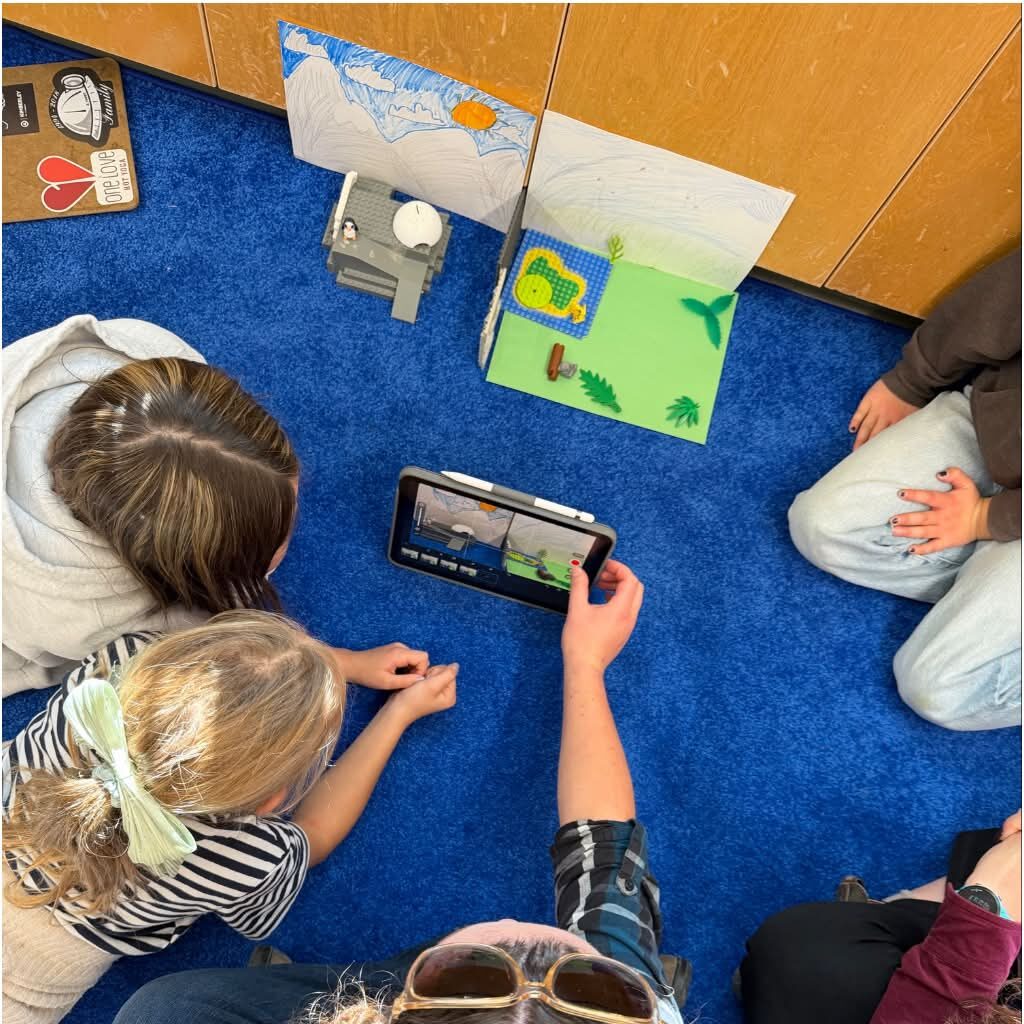
Our group preparing the backgrounds for the animal enclosures
As we used this app in the week prior on my iPad, I was quite comfortable using it for this experience, which is why I chose to do this rather than using the school iPads and a different app. Unfortunately, there are limitations (though they are important) to what technology we can utilize and access in the classroom which made it tricky for this activity in the class. The teacher had planned on using the school iPads which were connected to the Smartboard in her class, however these weren’t options for us to use, so we instead sent our videos to her personal phone and laptop in order to display it using her projector.
While technology can be a fantastic tool for a lot of different activities, it also comes with these types of challenges. When different tools don’t connect or maybe the Wi-Fi is too slow or the technology can’t support what we had planned, it can cause disruptions in the class. I noticed when we were having tech troubles in this Grade 5 class, the teacher was forward with the students about technology having issues and they understood to be patient.
Our group taking pictures for the stop motion animation using my iPad
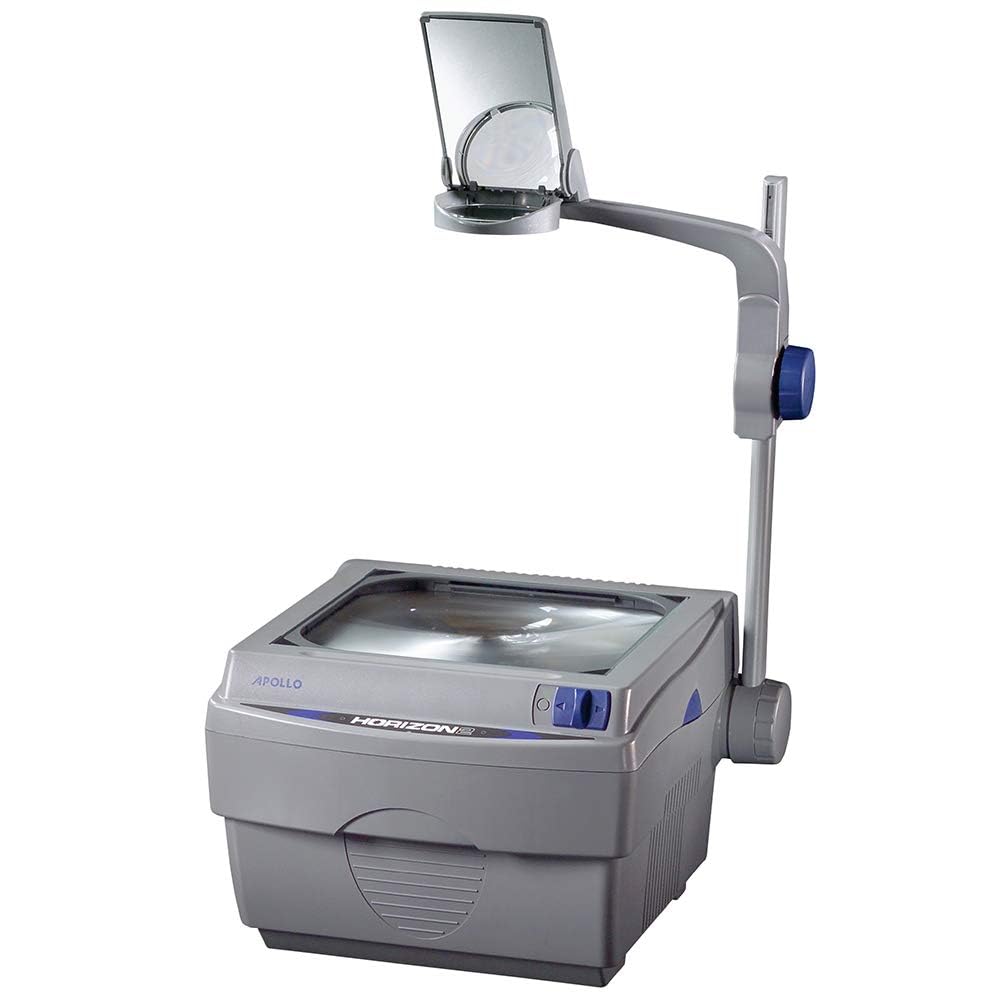
This technology is much different from what I had through my Elementary years. The most technology I experienced was over-head projectors, TVs on carts, and computer labs. It wasn’t until Grades 10-12 (2014-2017) that there was more incorporation of Smart Boards, iPads, or laptops. I remember when Smart Boards were still a new form of technology and our teachers had a hard time learning how to use them. There was a time or two where whiteboard or permanent markers were accidentally used… I hate to say it, but back in my day, technology was only starting to reach the levels we have in schools now. I know it was even a big difference between my sister and I’s school experiences as she is 5 years younger than me. She had technology incorporated far more than I had through iPads and these different apps.
While I’m excited about the new opportunities technology can continue to bring us in school, I am also very worried to see the impact of AI and programs which may make it harder for students to learn and instead offer new ways of cheating, getting distracted, or loss of imagination. I hope to be able to bring in technology as an equitable tool in my future classroom to support learning, fun, and imaginations while teaching students how to avoid the negatives it may also offer. Through EDCI 336, I hope to learn more about the use of technology in the classroom to better prepare myself for what’s in store and the paths I can take.
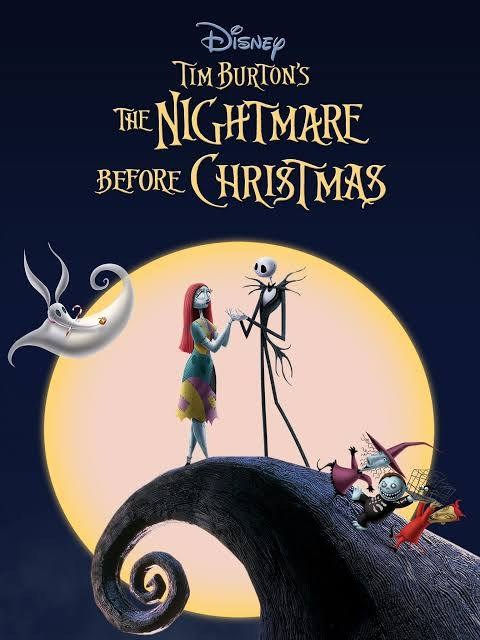
Stop motion animation has always been a fascination of mine. As I am heavily passionate in different areas of the arts, I find this collaboration of art and entertainment very approachable. Movies like The Nightmare Before Christmas and Coraline are the first to come to mind when thinking about this movie style and it’s interesting to me how it seems many popular stop motion animation movies like these are spooky themed. I would guess it could be due to the nature of the way the caricatures can move and the “choppiness” which can make them appear very unnatural and creepy.
While those movies are made with the use of physical props and characters, there are also stop motion animation (AKA hand-drawn animation) movies such as some Disney classics like one of my favourites The Lion King. According to https://disneyanimation.com/process/hand-drawn-animation/ “Hand-drawn animation is the technique of drawing each individual frame of movement in a scene, including characters, shadows and highlights, effects like water or rain, and anything else that needs to appear in a scene. This can be done traditionally on paper, or using digital methods.”
When we were set to make our own, I was immediately hit with so many possibilities but I was naturally drawn to the wooden wave blocks. From there, my partner and I came up with the idea of the waves washing over a group of penguin figurines which were also available. We decided to set up on the whiteboard tray as it offered a discrete base and a blank background (or a snowy one). We placed the penguins atop little icebergs and we took 48 pictures to produce a short 7 second video of the wave washing away all but one penguin, where the video closes out with it looking for its friends. I really enjoyed the process of making this short video, though we were definitely faced with the challenges of how to hold blocks in place while falling. It took some maneuvering with me mostly pressing the penguin while holding the bottom of the wave blocks in order to hold it in place.
After finishing with the “filming” we went back in to add our audio of us making little silly penguin sound accompanied by the sound of a wave video found on YouTube. I thought this was an incredibly fun activity and I can definitely see myself using this with future student or my own kids some day. I can see how this activity can lend to the Arts and English Language Arts and STEM curriculums as well as offer students chances at different roles in the “production” such as director, camera person, or prop person. I love the endless possibilities for students (or anyone really) to let their imaginations run free and work collaboratively to create something fun.
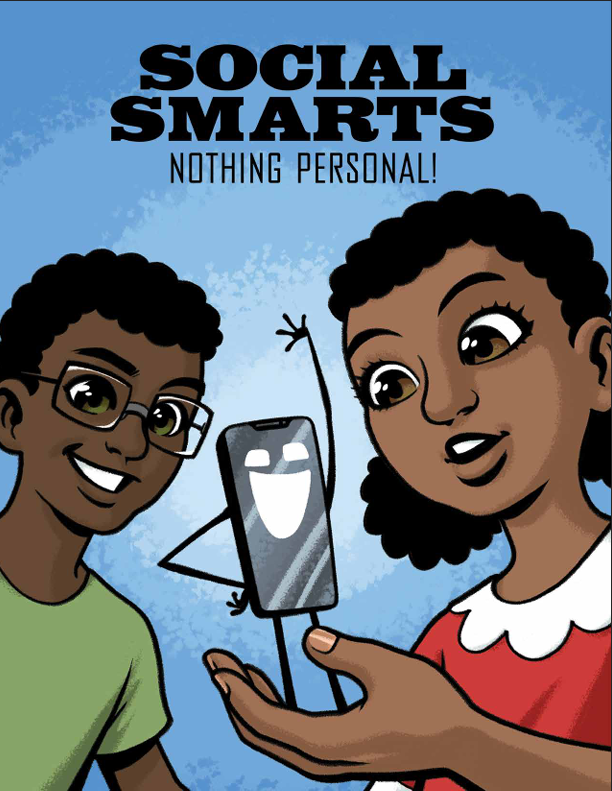
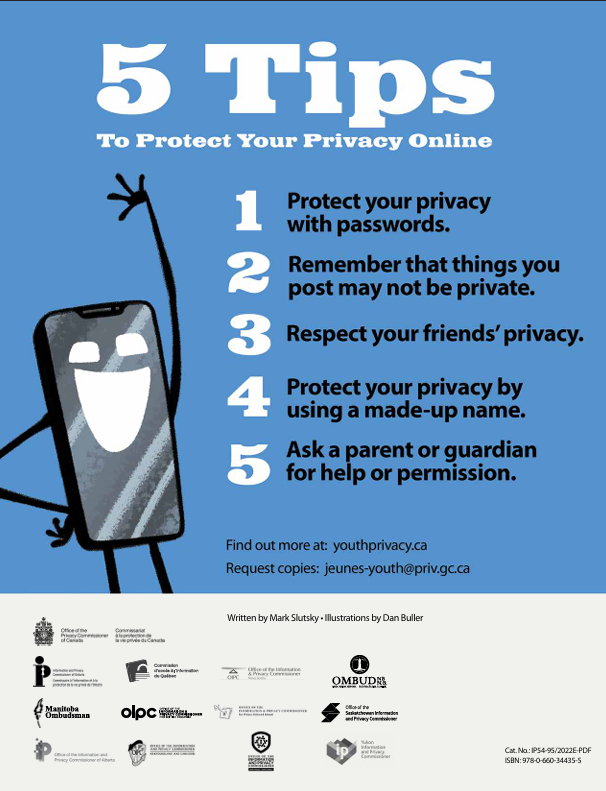
Digital citizenship is a topic that has been very important to me as an avid online gamer, social media consumer, and general technology user. I believe I was lucky enough to be raised at the perfect time (born 1999) when technology wasn’t as easily accessed or nearly as dangerous as it is currently but raised alongside it to keep up to date. I want to use this opportunity to reflect on the graphic shared in class, “Social Smarts: Nothing Personal!“ in relation to my upbringing and current use and understanding of my digital identity.
In this graphic, we follow a short story of Olive, who recently got her older brother’s old phone and learns the consequences of her actions through various uses of different digital platforms. There are significant learning moments (emphasized through the excitable phone character) such as how much information is still out there even after deletion, when and where to use your real name or a digital alias, how meaning of posts and texts can be misconstrued, and the use of (digital) cookies.
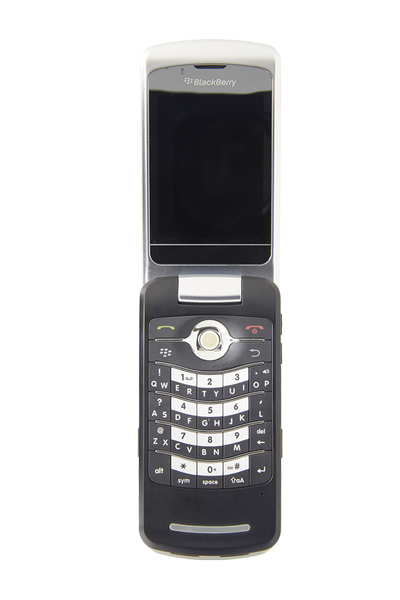
After reading through this for the first time, I immediately reflected on the experience of my very first phone I got in Grade 5, when I started walking to school by myself. It was an old Blackberry flip phone that had been my Dad’s old work phone. It really only had the features of texting, calling, and taking photos. Even with those few functions, it came with a lot of responsibility on who I can contact (only my family’s contacts were saved) and its purpose of being used as a tool for safety. I couldn’t imagine how many further precautions parents have to make nowadays with new iPhones and the endless amounts of apps and platforms their children can access. It’s really scary to think of.
Thankfully, my Mom has always been especially informed and cautious when it came to the use of the internet and digital platforms. She was strict on how I used the internet and taught me valuable skills such as being able to better recognize scams and fraudulent material, protecting personal information and passwords, and always asking for help anytime I felt unsure. Fast forward to today, and I am now fairly confident in my own use of the internet as I am confident in knowing when and where to use personal information (such as Amazon) and where to make up fake aliases (such as Discord and gaming platforms). Although I am always very careful, people with malicious intentions are always out there and thankfully, many websites and platforms have incorporated additional security features to better protect your information.
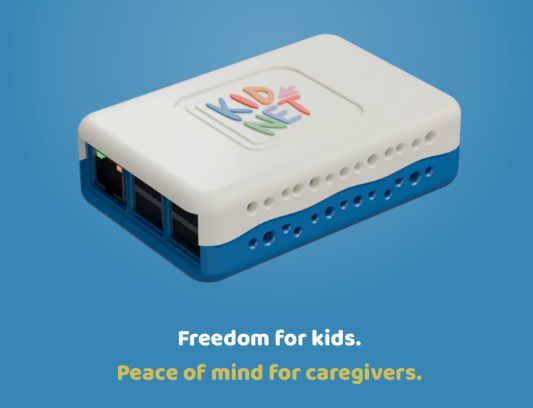
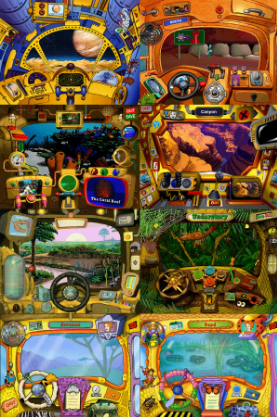
I hope to be able to share my knowledge with future students and my own future kids to better protect them as they inevitably gain more and more access to the internet. I have even started hearing about new devices and platforms specifically created for kids to have more secure access to safe games, streaming services, and information. Some examples include “Kidnet“, “Tin Can“ phone, and bringing back the use of safe and educational PC and console games like “Zoo Tycoon,” “Zoo Vet,” and “The Magic School Bus Activity Centers.”